

As event organizers are in charge of all aspects of their own events, Peatix is unable to answer questions about the event or tickets for the event. Please contact the event organizer directly for any event or ticket related questions.
Please see How can I access/respond to the messages sent from the event organizer? for more information.
If you are using a browser (computer/smartphone)
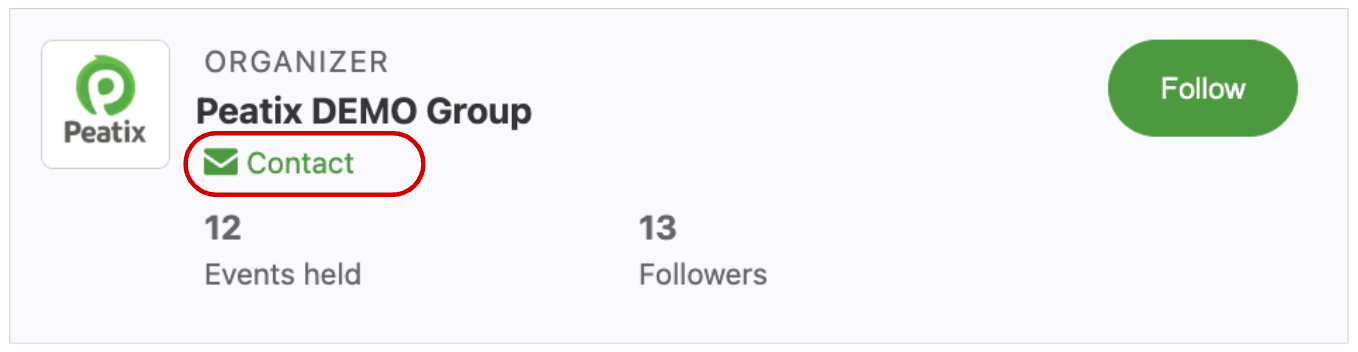
1. Go to the relevant event page and click the "Contact" text beside the organizer name.
2. Click "Message organizer".

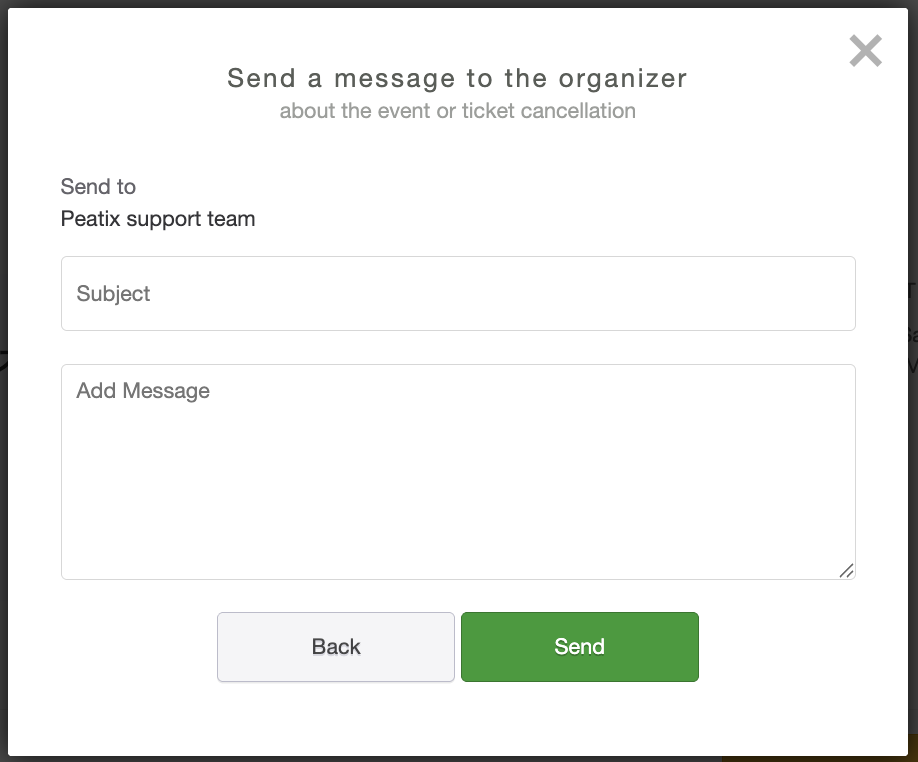
3. Enter your subject and message and click "Send".
4. Sign in to your account, or create a new Peatix account to send your message to the organizer.
The answer of the organizer will be delivered to your Peatix inbox, and will be forwarded to your registered email address.
If you are using Peatix app (iOS/Android)
1. Tap the "Contact" button on the event page. If you are not signed in, the sign-in screen will be shown.
Sign in to your account, or create a new Peatix account to send your message to the organizer.

2. Enter your message and tap "Send".
